While hunting, if interact command is spammed while outside of weapon range, run speed is lagged/reduced
1 Like
The item usage during use on inventory while tooltip on said item is active has broken in this patch.
Icons are massive too, it feels like the resolution of the inventory is smaller or smt.
Mobs “L” (Level) has disappeared.
(Unreachable) clear displayed on unreachable mobs has been replaced by “?” not clear enough.
For better readability, add a black background with opacity options for nameplates (including mobs).
Preference, the condition bars aligning the whole item icon at the bottom, as well as the units. In over 20 years it’s always been at top of item icon.. Also the condition doesn’t need to stretch to the whole item it’s a bit excessive.
Please decide on condition/hp bar, your own avatar has red, other avatars/mobs/pets have similar to old nostalgic one, the item condition has green, it’s inconsistent.
Radar options:
We lost the ability to resize it.
We lost ability to hide the “ms” since before we could hover mouse over the radar and see it displayed. An option to toggle it on or off.
Radar “black” background option and smaller dots for accuracy.
Separate the tool bar/ammo/ped amount. Weapon/tool name can not even be read properly.
The damage given/sent/healed on screen is displayed above the weapon bar, add ability to move it to set it where we want like we can with other UI.
Moving forward, please consider more “compact” options, and think about this: Options > Everything. The more options there is for each UI element, the more chance the UI will able to be suited for most players. The new edit mode is really awesome and you guys should expand it to all UI elements even inventory/storage etc. In Final Fantasy XIV they have built in in the edit mode a “scaling” option that you can scale each UI element or scale all UI elements by certain %. 100% something that should be added in the future too! 
Right now there’s some elements that I like, and others that I dislike a lot.
5 Likes
I have the exact same problem with Notes. 
- New healthball (which I like!) doesn’t update (I mean the number of health points) when I wear aeglic ring. Most likely not with buff foods / pills either, havent tested.
Inventory grid is awful. Category icons ARE TINY, yet inventory window is very large
Loss of function = ammo count drop could be seen while hovering cursor over it in inventory as well as item decay use. This no longer happens in update.
Mob HP bar is back to old style (WHY DID YOU CHANGE AGAIN?)
Ticker = always show on, but it goes away when no globals are happening
Loot = as others said - it scrolls slower in top right than last patch and I would prefer not black back round outline that was never there before.
TP chip - I spam click until it actually completes the jump. No way to pre-select or choose where I’m jumping
When was last time you relogged? There was a hotfix 12 or so hours ago
2 Likes
edited, yea wow I posted before logging in - i’m floored fixes were made already.
1 Like
Title: Items in boxes are not properly sized and cannot be opened or merged
Date Found: 09/16/2026
Description:
When items are placed inside boxes/containers, their icons or UI elements appear incorrectly sized. The items also cannot be opened or merged as expected. Dragging an item out of the box and back in temporarily restores the correct sizing, but does not fix the inability to open or merge.
Expected:
Items inside boxes/containers should display at the correct size and should be openable and mergeable normally, without needing to be dragged out and back in.
Actual:
Items in boxes appear incorrectly sized, and I am unable to open them or merge them with other items/stacks. The only way to get the proper sizing is to drag the item out of the box and then drag it back in. However, this workaround does not resolve the open/merge issue.
Steps to reproduce:
- Place items into a box/container.
- Open the box/container or view it in inventory.
- Observe that the items inside are not properly sized.
- Attempt to open an item from inside the box.
- Attempt to merge an item from inside the box with another item/stack.
- Observe that the items cannot be opened or merged.
- Drag an item out of the box and then drag it back in.
- Observe that the sizing is corrected, but the open/merge issue still remains.
Screenshots:


1 Like
The dots representing mobs/avatars on the radar are MUCH too large, this causes loss of usefulness as the large dots obscure other dots that are nearby. The dots on the old radar were much more appropriately sized.
1 Like
chat typing box goes wonky… what looks to be the typing cursor sits at the start of the typing area and flickers and using the keyboard is compromised. This often happens after using the text recall function to bring back texts to re-issue them, particularly when doing multiple recall + re-issue. The mouse works fine and teleporting a few times has always restored the keyboard use for me.
A) the mouse pointer disappears, and the mouse controls the camera instead of the pointer, when I move the mouse out of the EU window and close a different Windows window. It happens 80-90% of the time. To get the mouse working again alt-tab out of the EU window, which switches Windows focus to a different window and gets my Windows cursor back, and then L-click in the EU window, which returns me to normal operation in EU with the EU pointer.
B) In the progress window, when you hover the mouse pointer over the skill progress bar, the pop-up has incorrect text on the 1st line. Instead of having the bolded skill name, it has the skill name bracketed by the HTML tags to start bold and end bold. Same type of error appears on the 2 subsequent sections of the window.
When beta testing this game, I expect to get well over a 20% mining hitrate, but nah. i guess yall lost a lot of activity so im getting rekt in here. i’ll dip too!
BTW 15 FPS MAX @ ALL SETTINGS. idk what you did, but you fucked something up.
3 Likes
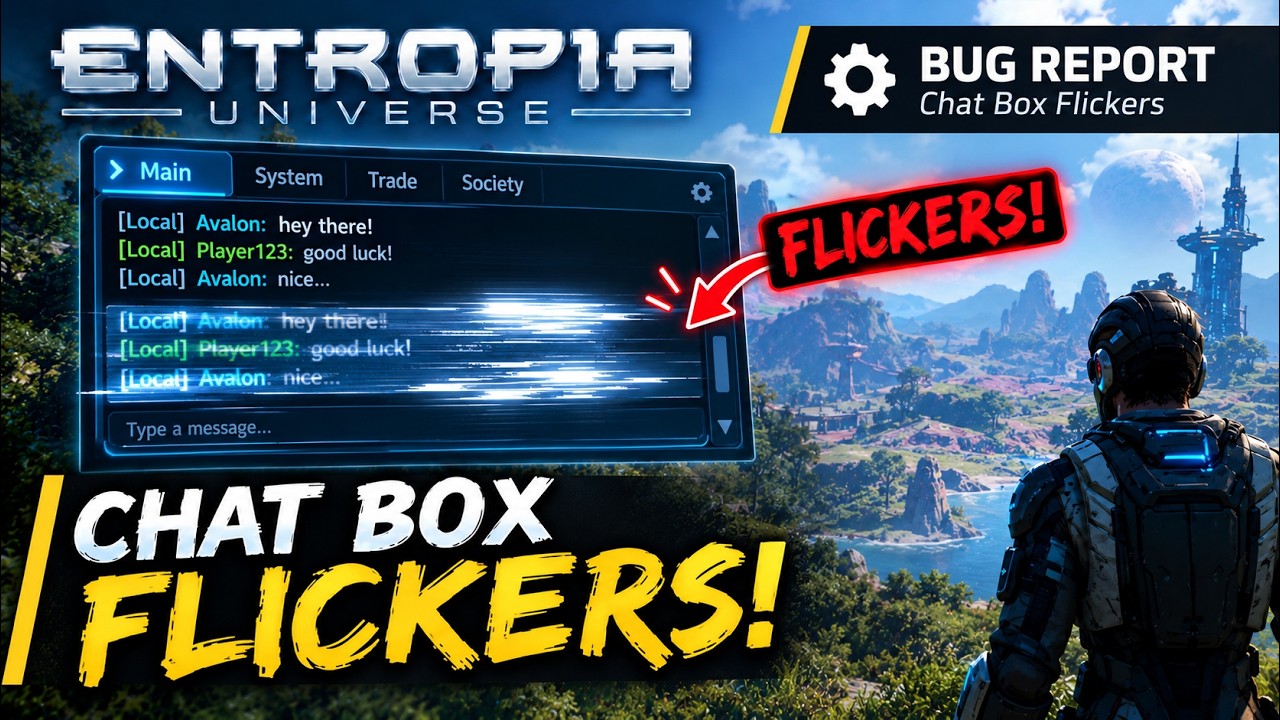
Title: Chat box flickers and becomes buggy during chat
Date Found: 09/16/2026
Description:
When using the chat box, it flickers and becomes buggy, making it so the the user is unable to type until select an area outside the chat box. A video demonstration is provided below.
Expected:
The chat box should display and function normally without flickering, visual glitches, or typing impairments.
Actual:
The chat box flickers and becomes buggy while chatting, making it so the user is uable to type.
Steps to reproduce:
- Log in to Entropia Universe.
- Open the chat box.
- Chat with someone.
- Observe the chat box flickering / bugging out.
Workaround:
Clicking outside the chat window a few times temporarily resolves it.
Video Demonstration:
Update: Entropia Universe 19.10.1
3 Likes
Perhaps not related to patch but noticed yesterday:
In the Next Comm vault on ARIS as you enter the boss room the door to the right is not solid. If you die the boss will agro upon revive, run towards it and fall under the terrain.
I tried to follow it but couldnt survive the fall damage. There appears to also be a second hole inside the first hole.
Yes, that bug with the chat is really annoying.
Suggestion / wishlist
Buff bar
- after undocking I would like the option to also set it vertically
- after undocking please do not resize the individual icons
I counted yesterday 20 buff icons on my bar. I’m sure there can be even more than that and at this point the icon bar is unusable, can barely see which is which.
here’s how 18 buffs & debuffs look like

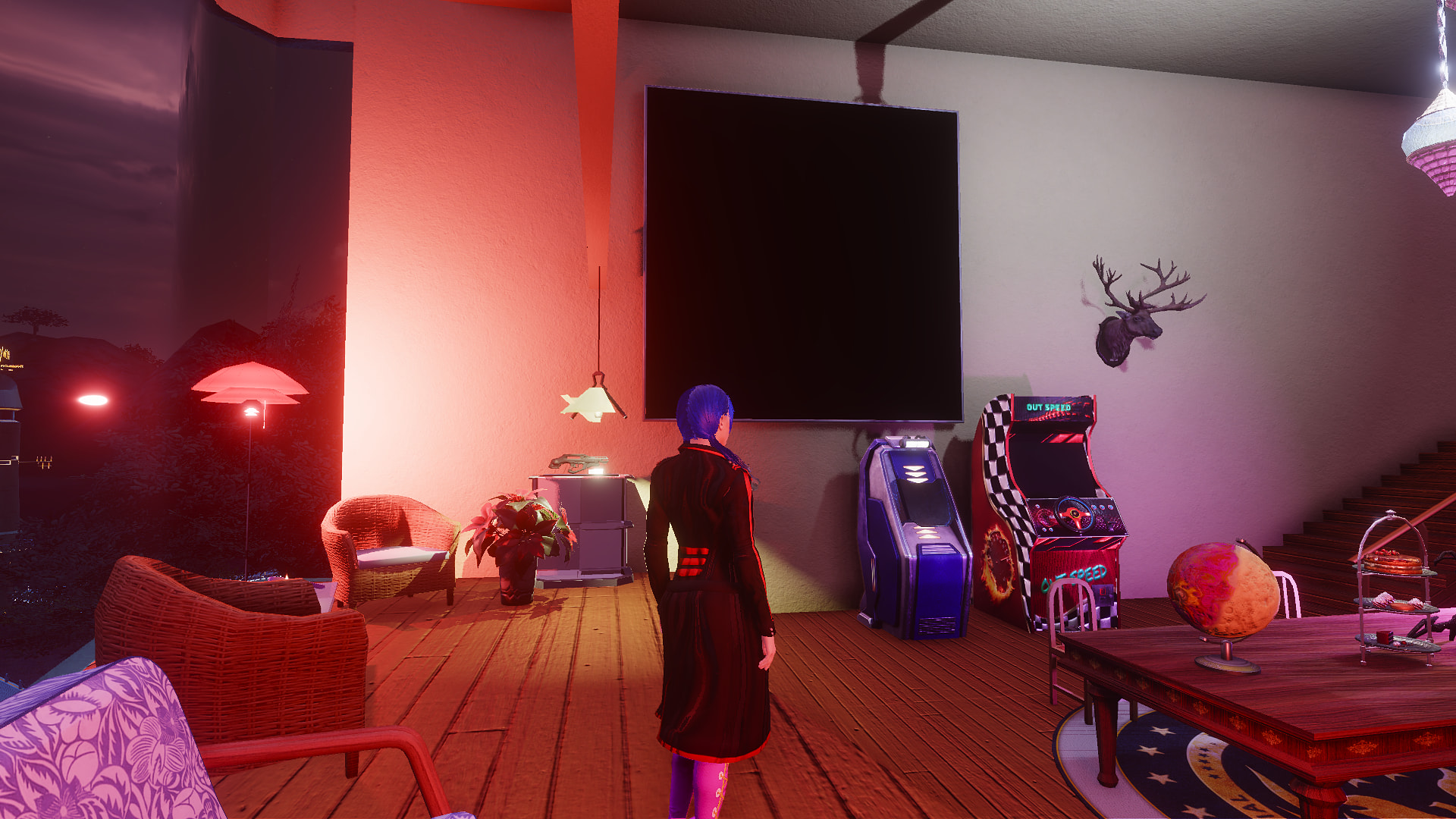
also all screen in apartment show black after update got message from friends on other planet that it is also turned black those TV that can have in apartments
1 Like
- When putting items in vehicle inventory, they don’t go where I put them, but to last free space. And when splitting items in vehiclke inventory, theirs icons go size of 1 aquare. And why have those condition bars and unit numbers be in opposite place than last 20+ years? And those numbers and category icons in inventory to be so small? Also page number of action bar is very small.
Oh so thats where it disappears! Yes it has been problem for long time. Damn I hate it.
Suggestion: PLEASE MA focus on fixing all these bugs and inconviences before introducing any new things! Patience of us has been tested enough for now. Btw, am I missing something or is that partial sale and bundle sale already live?