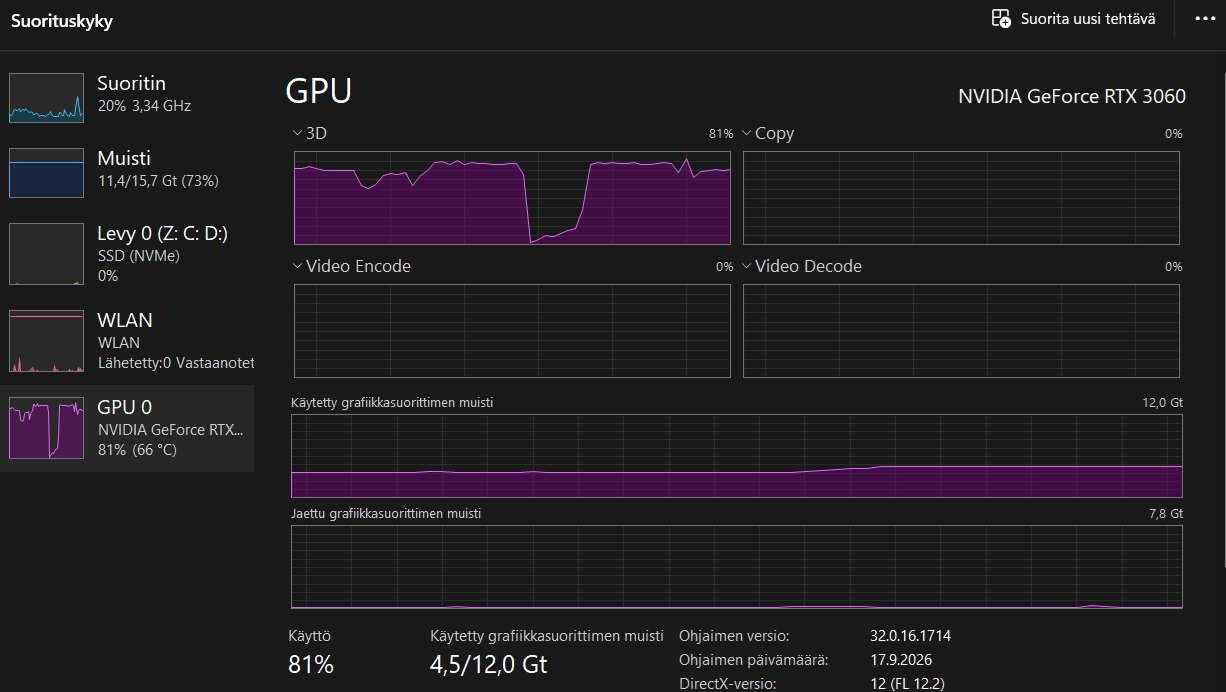
It did help for sure: GPU usage went from 98% to 90%, but temperature is staiyng at 70 now instead of 100+! But one thing remains, there is no difference between medium (and those 2 sliders, textures+ground, at default so at pretty high) and all at low settings. Well in Vram there is small difference, but GPU usage no. In those Service Centers I mean. So something there seem to always be maxed settings or something? No problem for me personally, but for lower end users for sure I would assume. @Belse_Mindark
Edit here pics I forgot (both in service center):
All at low, sliders at minimum:
Expected: To have sound. So if AI can’t fix the bug just on loading game disable sound and then enable it so new users don’t have to learn this process.
Actual: Sometimes sound does not function. Work around is to disable sounds then enable sounds in options.
Steps to reproduce: Play game. Get no sound. Forced to use workaround.
When locked on to certain mobs while hunting, the mob’s health bar goes above the top of the screen and can’t be seen while in first person view or closeup 3rd person view. One mob in particular that does this is the Sicarius Apex. The health bar of the locked on mob should be forced to not go past the edge of the screen like it use to be.
The individual scaling on main bar is nice. But inventory and craft machine are still huge! And scaling down UI and then doing ctrl + mouse scroll just messes up every thing on inventory where some of the columns (on the right side) never even get used. Some of the inventory icons are huge!
There is plenty of gamers that still use 1080p screens, why are you so focus on arrange the whole game for bigger resolutions? Why not starting by checking how game looks like at 1080 and then add options to increase fonts and windows sizes?
Do the craft machine layout really need to be that big when you now have a window maximize button?
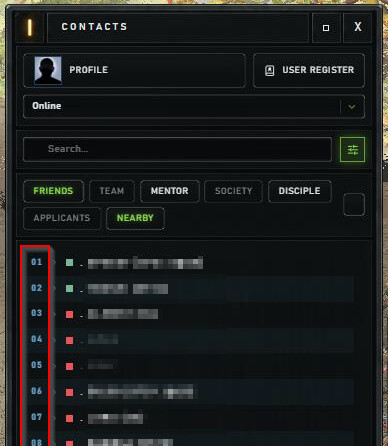
This one’s more of a suggestion. When I select a BP in the crafting terminal it would be nice to have an option to see where it is stored, what container.
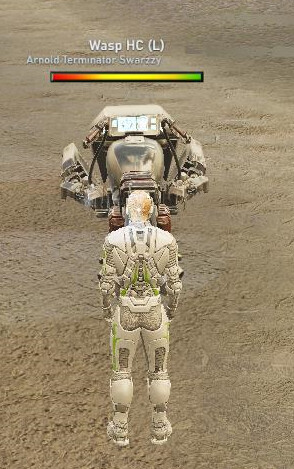
One more GPU usage sink are Aris/Caly robots. In Service Centers I had 126fps with GPU+fans running wild. Robots doesn’t make it usually run so wild (which is weird), but FPS drops significantly (to 20-30, I have cap at 60 now) with even one robot close by. This makes game lag hard many times. Maybe that insane lag at Void Umbras was because of same reason. This is with medium settings and texture slider at default, which is maxed. Before updates this was not the case at all.
I need to play with settings a bit more, but wanted to point this out since it might be game changer for lower end computer users.
The inventory window is still too large! There is no way to resize it.
The items (icons) in the inventory are huge; while they look normal when scaled down using the Ctrl key, the next time I launch the game, they all become large again and everything gets jumbled. I’m tired of having to re-sort everything
There is also an issue with moving an item (icon) within the inventory; it doesn’t move to the intended location. ((P.S.: If the size of the icons (items) has been changed…))
For several years, I’m trying to understand the logic: why sometimes I place a vehicle and enter it direclty, and sometimes I can only place it? Is it related to distance from TP, to weather, or just random?
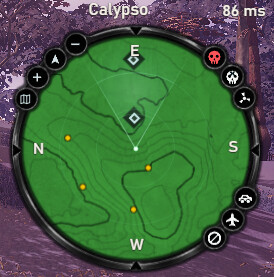
Description: NPC icons are correctly disabled on the map but still appear on the radar.
Expected behavior: [Fix this bug]
Current behavior: [I unchecked “people” in the map filter; the NPC icons are disabled on the map itself but not on the radar. I found no radar settings in the options menu, nor any button near the radar to disable NPCs.]
Steps to reproduce: Uncheck the “people” option in the map filter settings.
Description: Resource values do not appear when hovering the mouse over the loot window. I only see the quantity. The total loot value is displayed correctly, but not the value for each collected resource.
Expected: [Fix this bug]
Steps to reproduce: Hunt with the loot window enabled in the options.
 Thanks